MNELAB#
MNELAB is a graphical user interface (GUI) for MNE-Python that provides an intuitive point-and-click interface for EEG/MEG analysis. While independent from the MNE-Python team, MNELAB is actively maintained, peer-reviewed (JOSS publication), and provides seamless integration with Wearable Sensing EDF files.
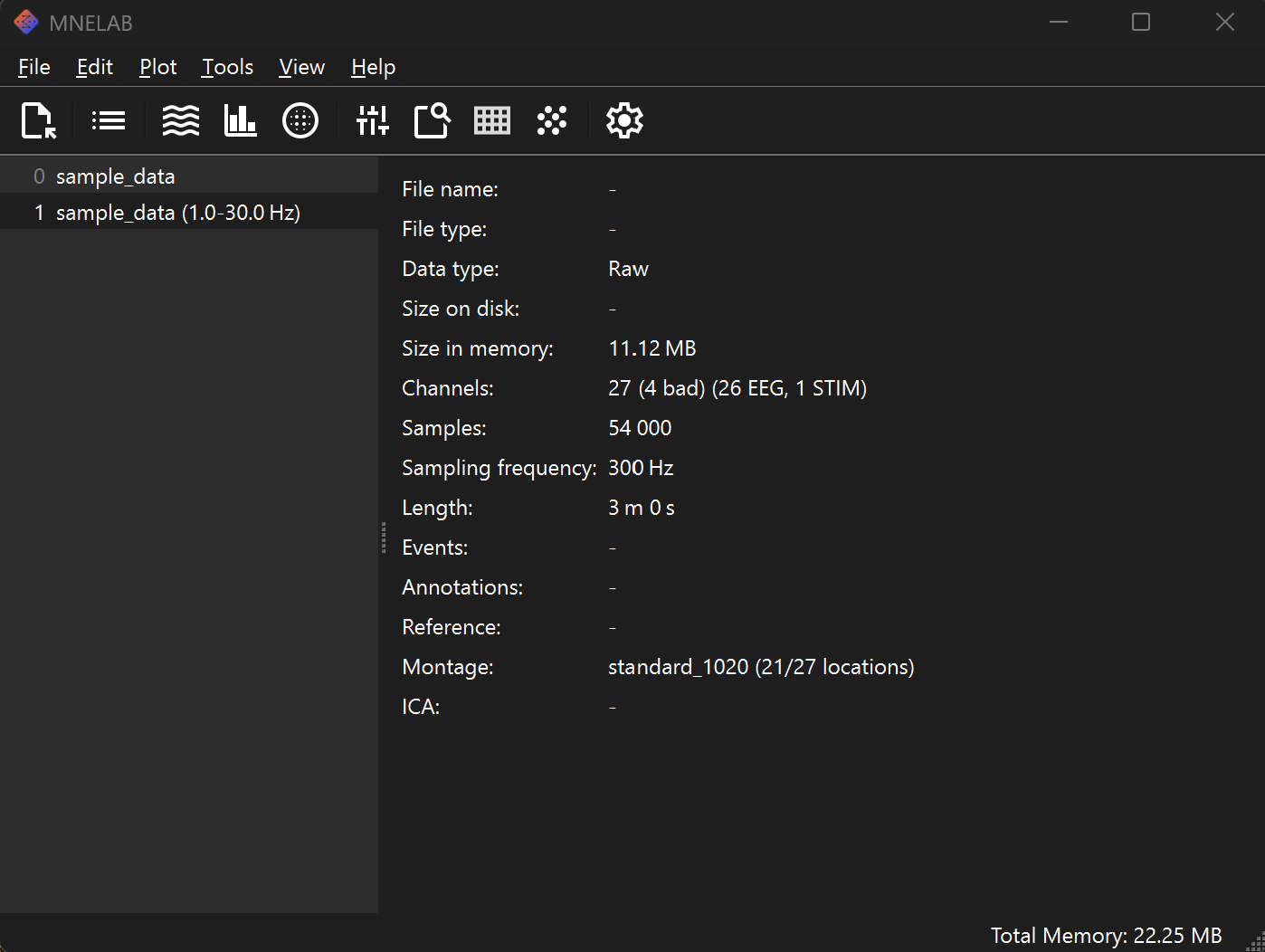
The MNELAB GUI displaying a loaded DSI-24 EEG recording.#
Installation#
Download the latest standalone installer for your platform—no Python knowledge required:
Download MNELAB (Windows & macOS)
Getting Started#
Learn how to work with Wearable Sensing data in MNELAB through step-by-step tutorials covering data loading, processing, and visualization.
Tutorial Roadmap
New to MNELAB? Follow this sequence:
Load Wearable Sensing Data - Export from DSI-Streamer and open in MNELAB
Channel Configuration - Set channel types and reference
Filtering - Remove noise and artifacts
Artifact Handling - Use ICA or manual rejection
Epoching & Event Handling - Analyze event-related data
Already familiar? Use Quick Navigation below to jump to specific topics.
Integration with MNE-Python#
Files preprocessed in MNELAB can be loaded directly into MNE-Python for advanced analysis. It is recommended to save your processed data in the FIF format for compatibility.
import mne

# Load file preprocessed in MNELAB
raw = mne.io.read_raw_fif('preprocessed_data.fif', preload=True)

# Continue with programmatic analysis
# Apply additional processing, source localization, connectivity analysis, etc.
Resources#
MNE-Python | MNE-LSL | EEGLAB